Stillsmith Pull the exact frame out of any video.
Mark frames while the video plays. Every mark is taken at the playhead’s exact time, then written to Photos at the video’s own resolution.
The app’s transport, here to try. Drag to a moment, then press Mark.
Three screens, nothing hidden.
Captured from the current build on an iPhone.
-
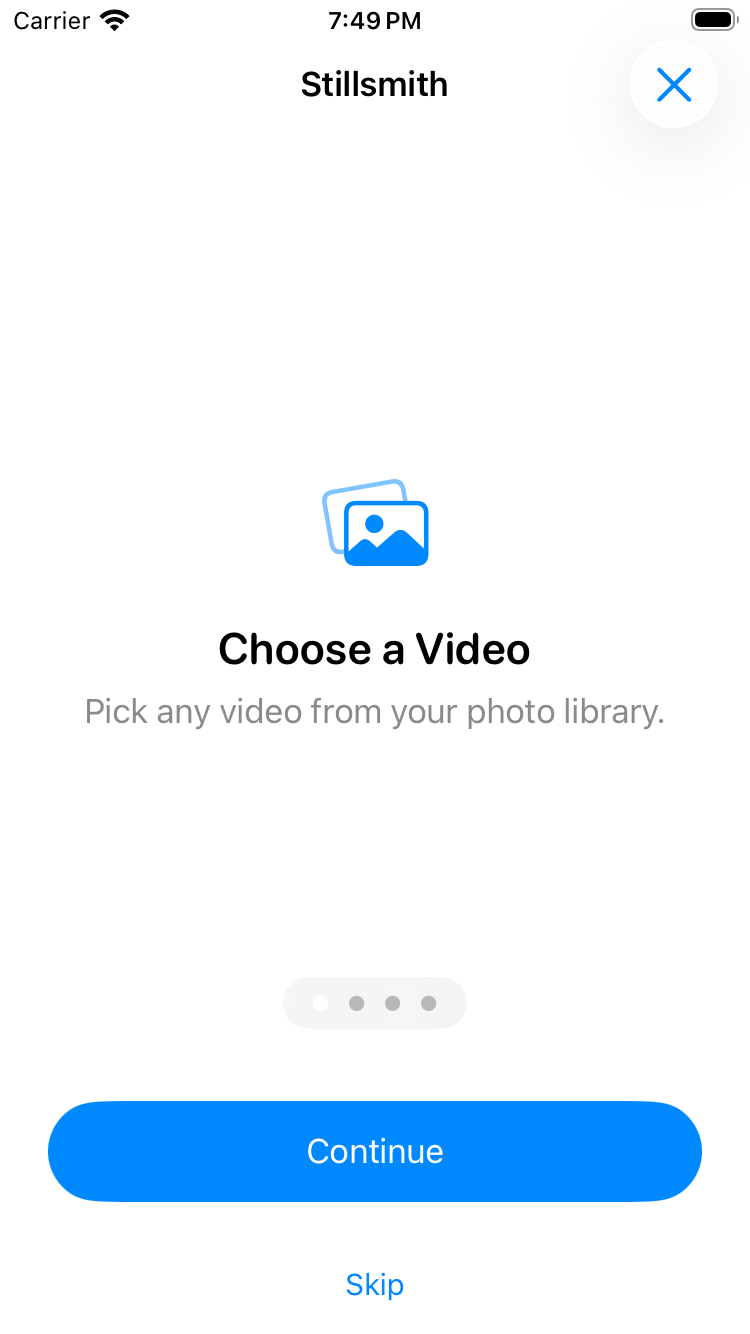
01 First run. Four screens, then it gets out of the way.
-
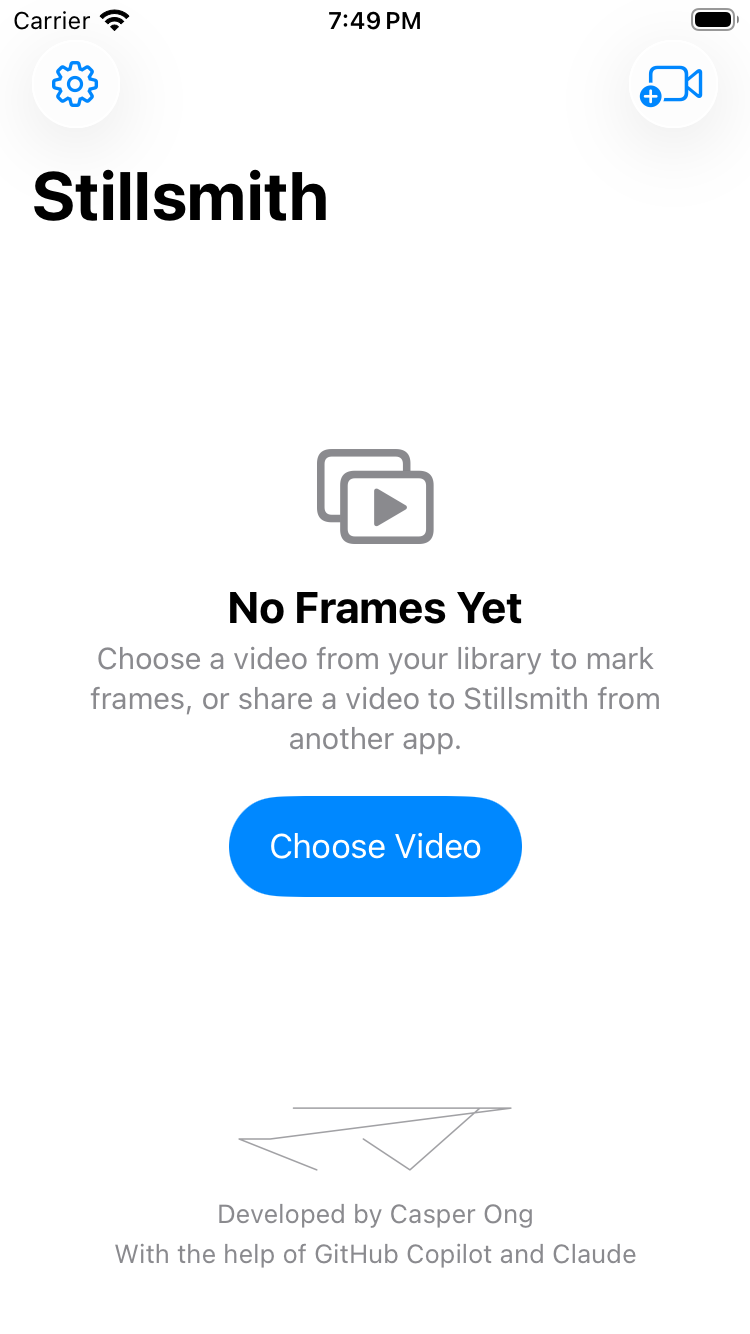
02 Home. Pick a video, or hand one over from another app.
-
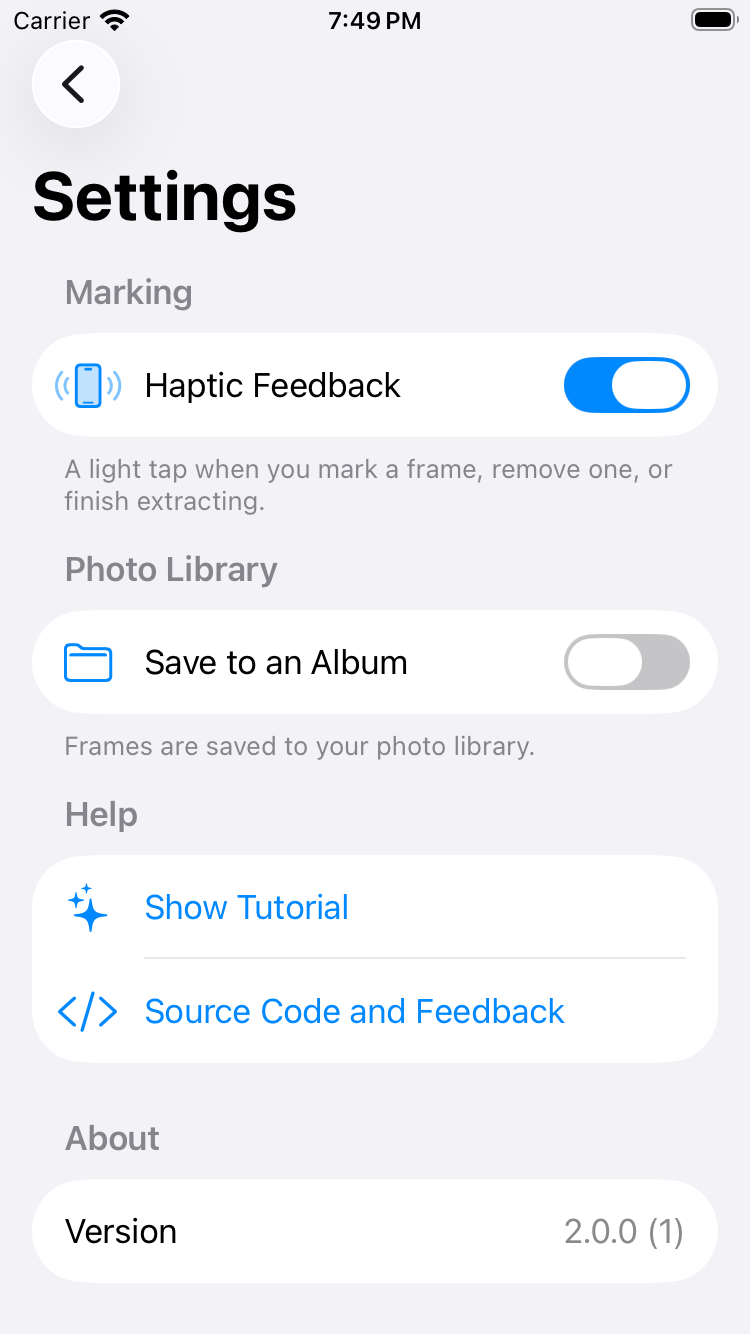
03 Settings. Album, haptics, the tour again, and the version.
What it keeps
Everything the app does is below. There is no account, no subscription and no server.
- Full resolution
- Every frame is written at the video’s own resolution. Nothing is scaled down or re-encoded.
- Frame-accurate
- Marks are taken at the playhead’s exact time, with zero tolerance either side.
- Cancelable
- Stop a long extraction at any point. The frames already written stay saved.
- Album control
- Save into a custom album, created the first time it is needed. Without full photo access, frames go to the library instead.
- Every entrance
- Videos arrive from the photo picker, the share sheet, Files or AirDrop. When a build cannot take a shared video, the extension says so and offers Files.
- Accessible by default
- Dynamic Type at every size, VoiceOver labels and hints, 44 pt hit targets, and Reduce Motion honoured.
- Local only
- No network calls, no analytics, no accounts. Frames go from the video to your photo library.
Install it your way.
Stillsmith is unsigned software. Any tool that can sign an IPA will run it — on the device, or from a Mac.
Feather, AltStore, SideStore
Add the source, then install and sign with the certificate on your device. One source works in all three; it is an AltStore-style feed.
https://stillsmith.is-my.app/sources
Sideloadly, or any IPA installer
Download the newest unsigned build and let the tool sign it from your Mac or PC.
https://github.com/CasperOng/Stillsmith/releases/download/latest/Stillsmith-unsigned.ipa
Xcode
Clone the repository, open Stillsmith.xcodeproj, and run it on your device. The build steps are in the readme.
Needs iOS 17 or later, on iPhone or iPad. Frames are saved to Photos.
